I have a few quick things to show you! And, one that I need an opinion on...I'm opening a can of worms, maybe :). I'm still in a crazy ring phase, but I thought I would do some bezel set necklaces this week (plus one random wire wrapped one)...Here's the newest batch...
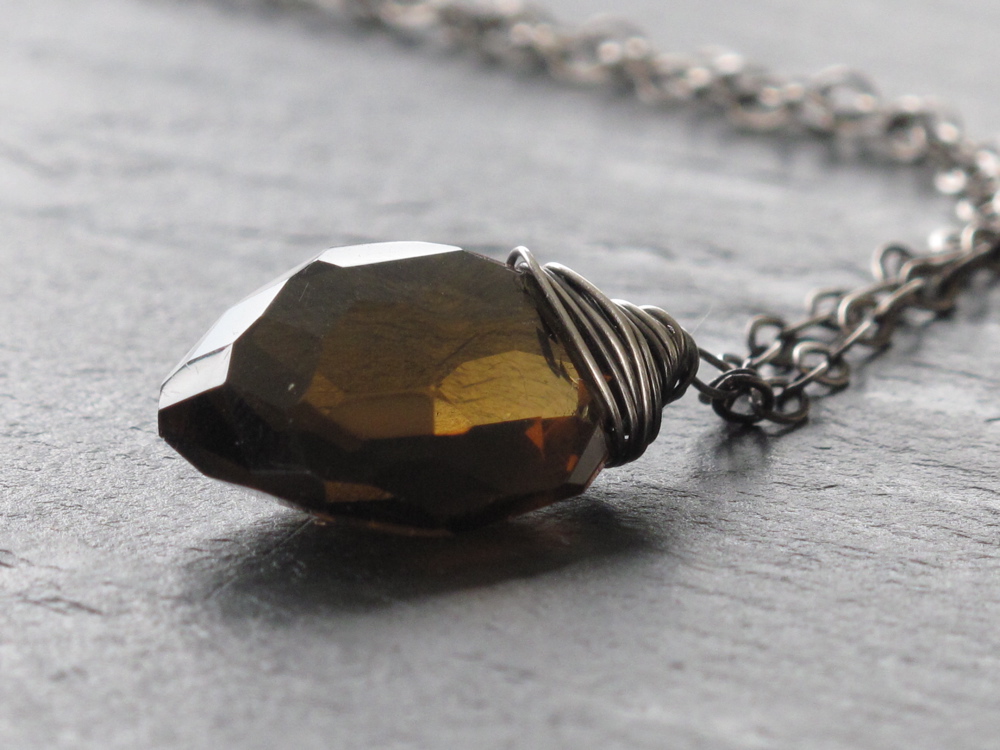 Whiskey Quartz and Oxidized Sterling Necklace...will list soon...
Labradorite and Sterling Necklace - simple design, but this stone is a real stunner, so simple is all it needs - check it out
 White Chalcedony and Oxidized Sterling Oval Necklace - will list soon
This is the one I'm not sure about. I like this photo best, because you can really see the scallops. I normally don't use the scalloped bezel wire unless I have a really simple or rustic stone to use - then I like the scallop to give it some cuteness juxtaposed with rustic. So, what do you think? Meh? Cool? Pretty?...

Aqua Chalcedony and Sterling Ring - this stone makes me swoon. Love, love, love the color...love.
So, the iPhoto trick. I'm a little slow on the uptake for the most part. But, today I finally discovered the "Blur the Edges" tool in iPhoto. Anyone know what that is? You can essentially airbrush your photos! I've always been too shy to take photos of my jewelry on me. I think it's so helpful for customers to see the scale though! Such a dilemma...So, I started with rings - fine, no big deal...then I tried earrings and NO WAY! Far too close up. So, I tried necklaces and I was not happy...until I started editing and found the "Blur the Edges" options in iPhoto in the "Effects". Ah, now I can just blur myself out and leave the pretty jewelry in the middle...what a relief. I guess I have to try earrings again. Ugh.